
Settings
The app settings live in the Connections tab (App settings section).
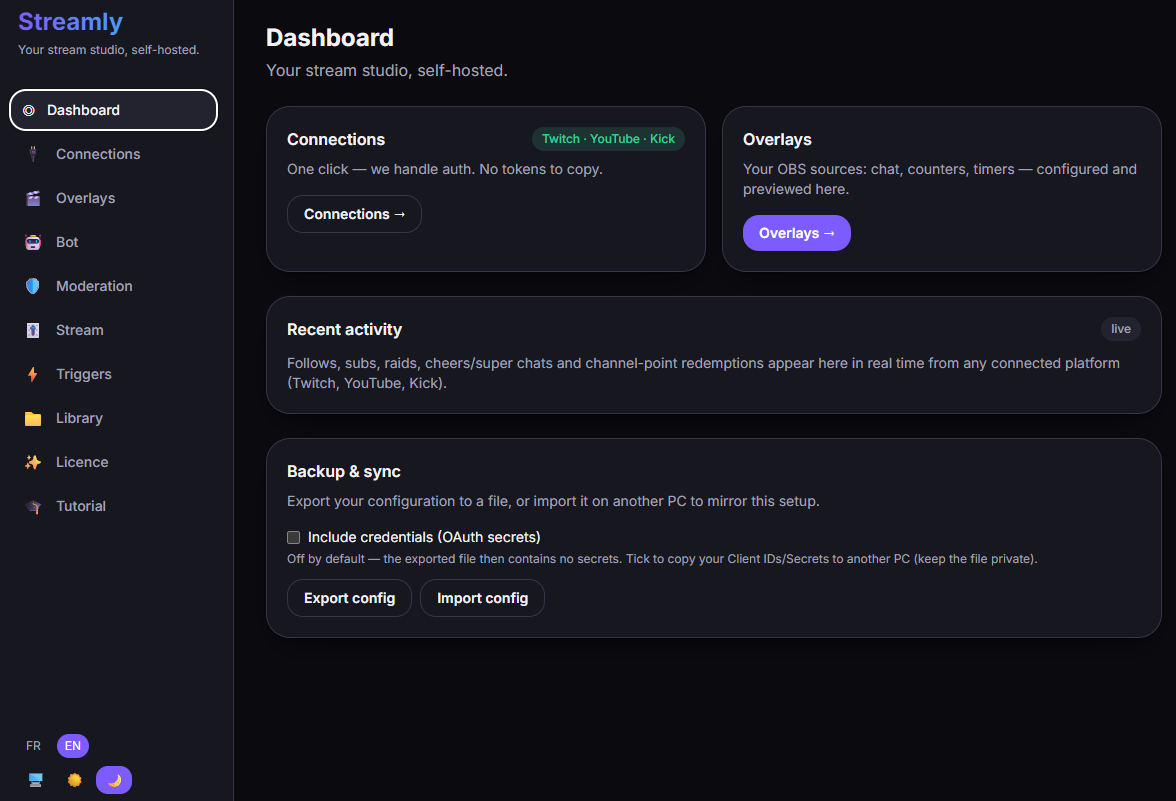
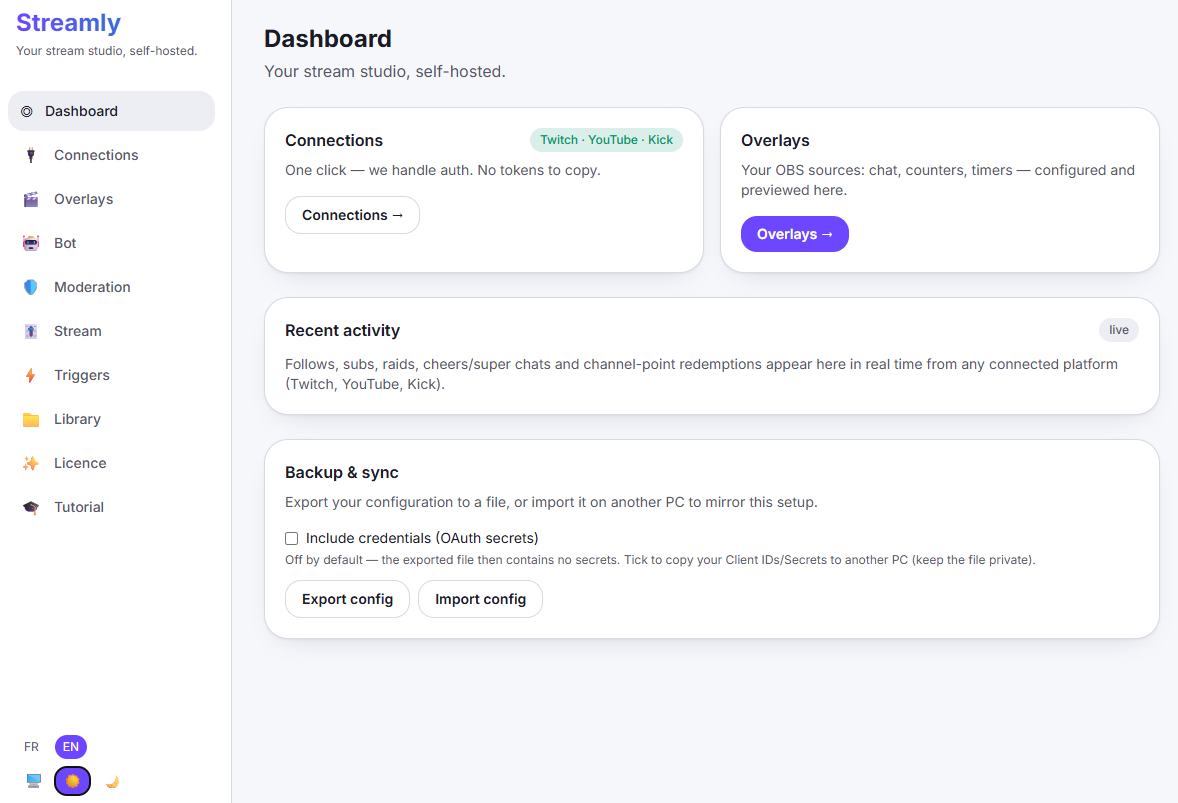
Three choices: System (follows your OS), Light, Dark.
Language
Section titled “Language”The interface is available in French and English.
Backup & sync
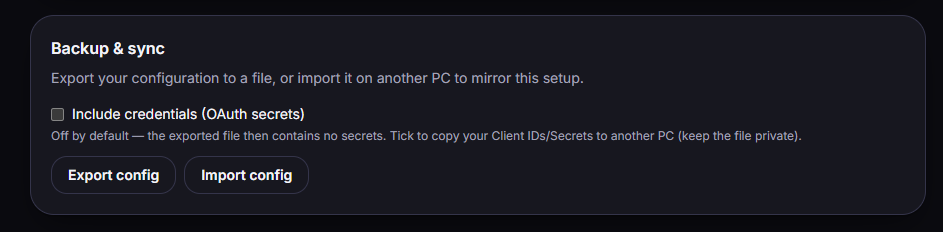
Section titled “Backup & sync”You can export your configuration to a file, then import it on another PC to reproduce your setup.
- Export config / Import config.
- “Include credentials (OAuth secrets)” option — off by default: without it, the exported file contains no secrets. Only tick it to copy your Client ID/Secret over to another trusted PC.
Updates
Section titled “Updates”When a new version is available, Streamly shows a banner: “Streamly {version} is available” with “Download” (opens the download page) or “Later”. Nothing installs automatically for now — see Installation.