Overview
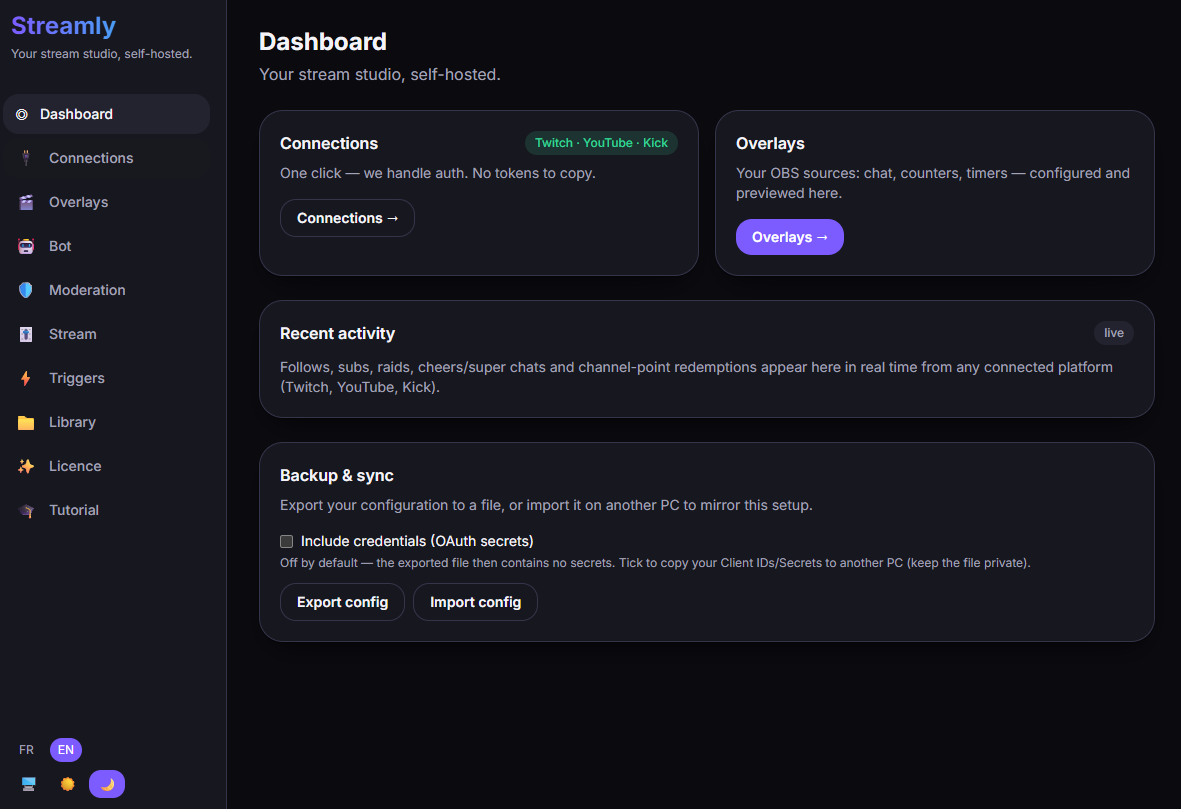
Streamly is a local streaming toolkit for Twitch, YouTube and Kick, all at the same time. No SaaS, no subscription: you download the app, it runs on your PC, and that’s it.
The idea
Section titled “The idea”Most streaming tools host your overlays on their servers and lock you into a subscription. Streamly does the opposite:
- Everything runs locally, on your machine.
- Your accounts and tokens never pass through any third-party server — they stay with you, encrypted.
- Free to use; a lifetime Pro licence (no subscription) unlocks the advanced features.
What you can do
Section titled “What you can do”- Follow and reply to the chats of all 3 platforms in a single view.
- Moderate (delete, timeout, ban) across all 3 platforms.
- Control your stream: title, category, tags (depending on the platform).
- Create OBS overlays (chat, counters, timers, goal bars, alerts…).
- Automate with a bot, triggers and webhooks.
How it works (in a nutshell)
Section titled “How it works (in a nutshell)”Streamly is a desktop app (built with Tauri) that drives a small local service running on your PC at http://localhost:4747. That service is what talks to the platforms and serves your overlays to OBS. You never need to touch it — it’s just useful to know for troubleshooting.