
Overlays
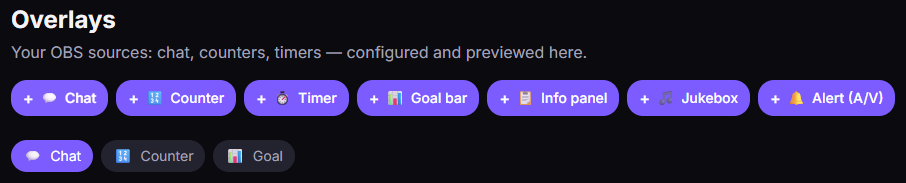
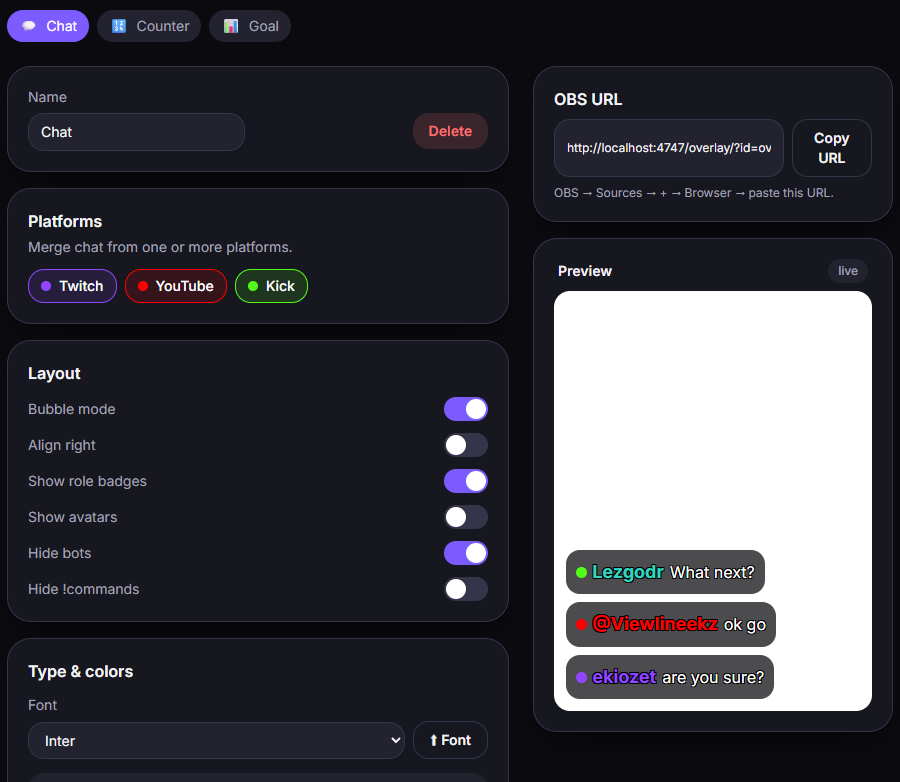
Overlays are the elements you show on screen in OBS: chat, counters, timers, goal bars, alerts… You create and customize them in the Overlays tab, then add them to OBS as a Browser Source (see Overlays in OBS).
Available types
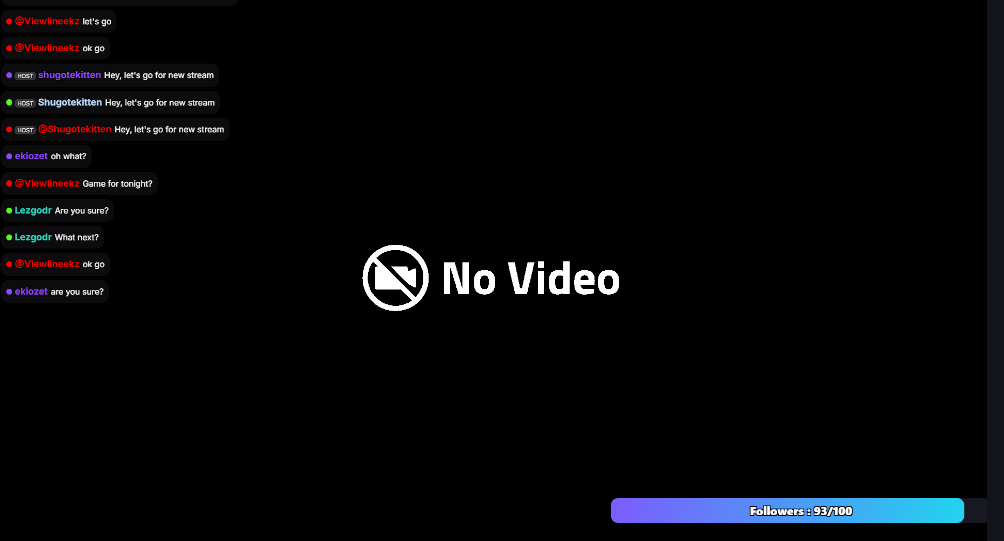
Section titled “Available types”- Chat — shows your chat on screen.
- Counter (Counter) — a number you increment (or driven by a trigger).
- Timer (Timer) — countdown / stopwatch.
- Goal bar (Goal bar) — progress toward a goal, which can be filled automatically (see Stats).
- Info panel (Info panel) — a text/info box.
- Jukebox — a music playback queue on screen.
- A/V alerts — audio/video alerts (image, GIF or video + optional sound), triggered by an event via triggers.
Customization
Section titled “Customization”Each overlay can be customized (colors, size, font…). Custom fonts (that you import) are Pro; built-in fonts are free. See Library.