Connections — overview
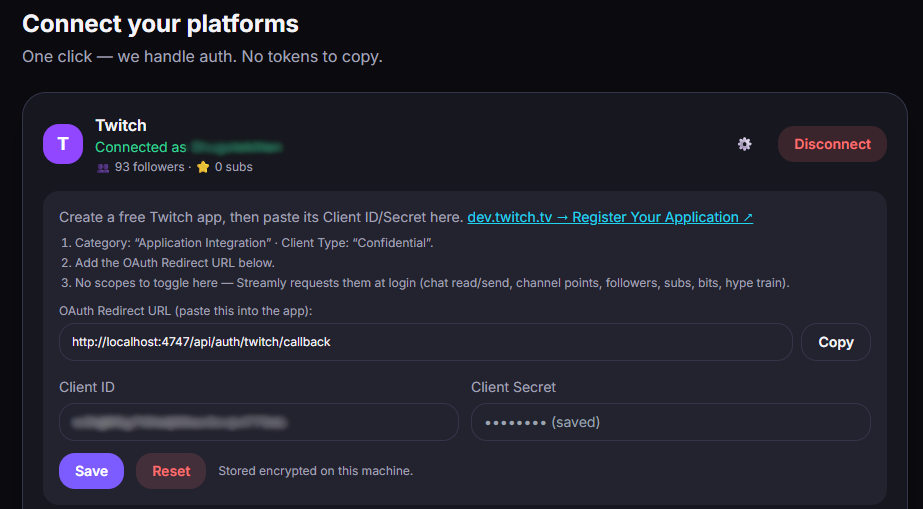
Streamly connects to your platforms via OAuth: you authorize the app from the official site (Twitch, Google, Kick), and an access token is stored encrypted, locally on your PC. That token is never sent to an STKN server — it’s only used to talk directly to the platform.
For each platform, you create a small developer app (free, one time only) and paste into it a redirect URL that Streamly gives you.
The redirect URL
Section titled “The redirect URL”Streamly runs locally and listens on port 4747. The redirect URLs to declare are therefore:
| Platform | Redirect URL |
|---|---|
| Twitch | http://localhost:4747/api/auth/twitch/callback |
| YouTube | http://localhost:4747/api/auth/youtube/callback |
| Kick | http://localhost:4747/api/auth/kick/callback |
🔑 The golden rule
Section titled “🔑 The golden rule”After any change to permissions/scopes on your developer app (adding a permission, fixing a checkbox you forgot…), disconnect then reconnect in Streamly. This is essential to regenerate the token with the new authorizations — otherwise the new actions fail (often with a 401 error).
Free vs Pro
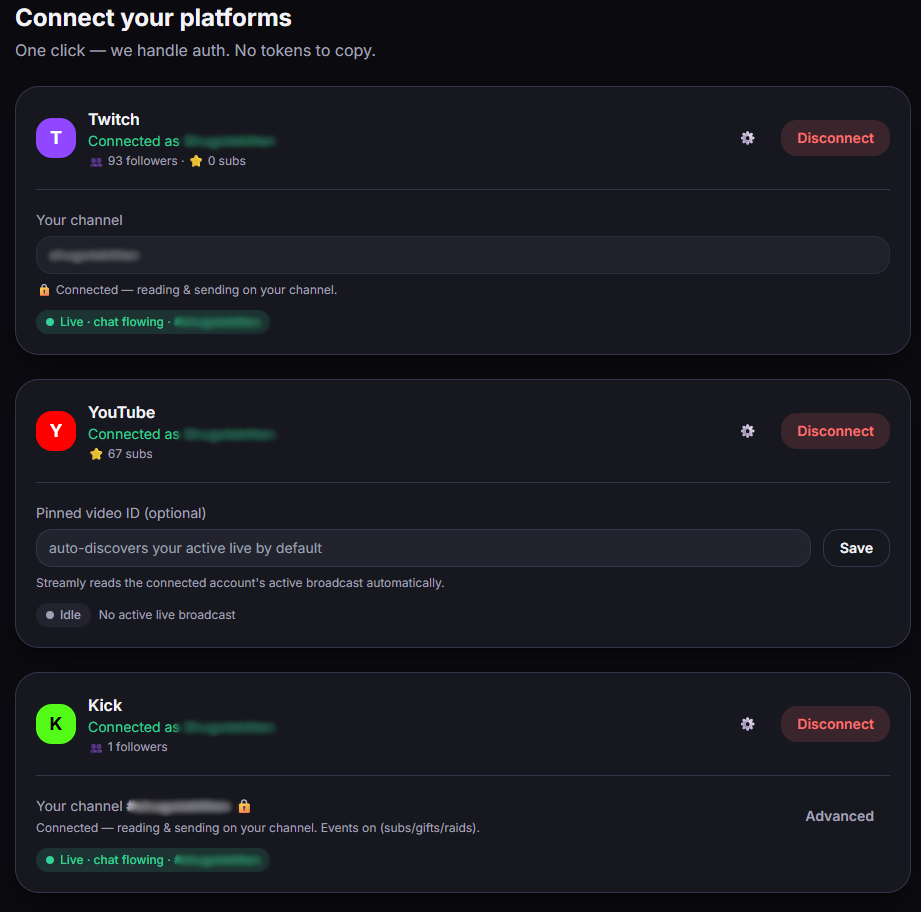
Section titled “Free vs Pro”On free, you keep a single platform connected at a time. With Pro, you connect all three simultaneously.