
Getting started
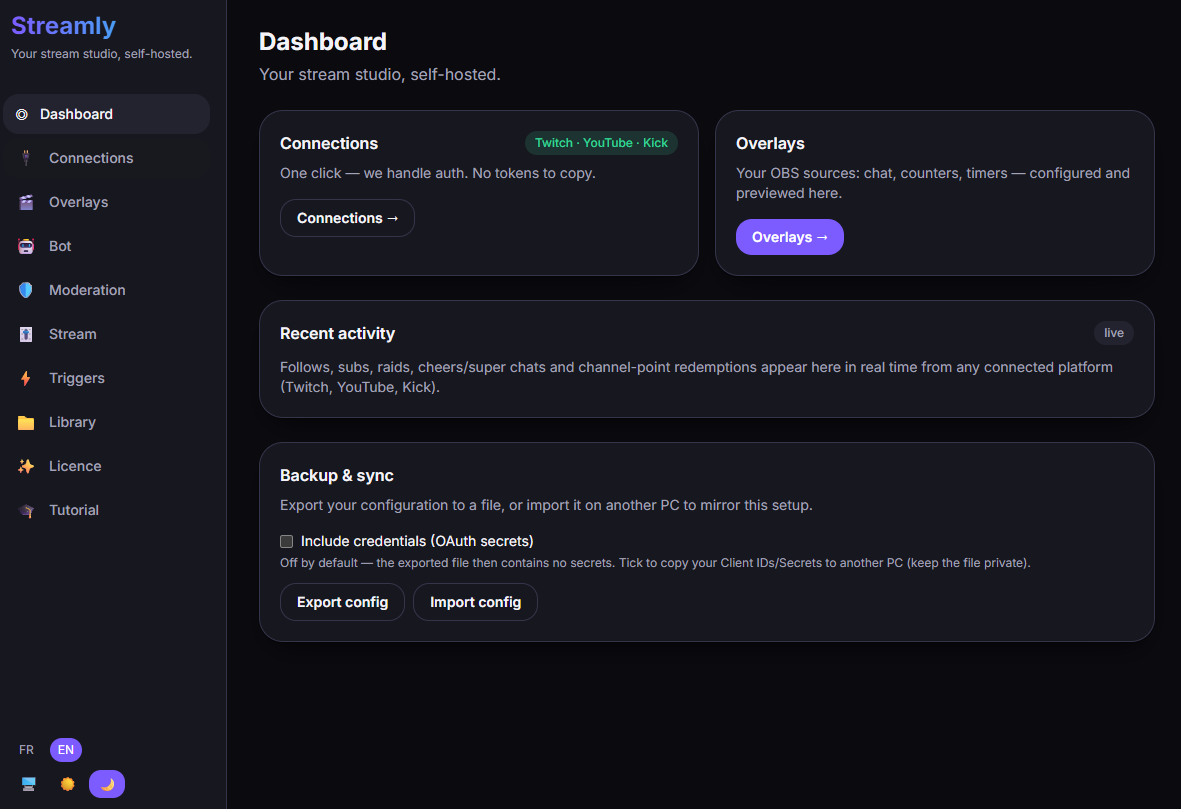
On launch, Streamly opens the Dashboard. You navigate using the side menu.
Navigation
Section titled “Navigation”| Tab | What it’s for |
|---|---|
| Dashboard | Overview of your stream and your stats. |
| Connections | Connect Twitch, YouTube, Kick — and the app settings. |
| Overlays | Create and edit your OBS overlays. |
| Bot | Automatic messages (bot, Pro). |
| Moderation | Moderate all 3 platforms (Pro). |
| Stream | Control title / category / tags (Pro). |
| Triggers | Triggers & webhooks (Pro). |
| Library | Your imported files: fonts and music. |
| Licence | Activate Pro with your key. |
| Tutorial | The built-in guide. |
The order of things
Section titled “The order of things”- Connect a platform → Connections.
- Create an overlay and add it in OBS → Overlays in OBS.
- Depending on your needs, enable moderation, stream control, the bot…